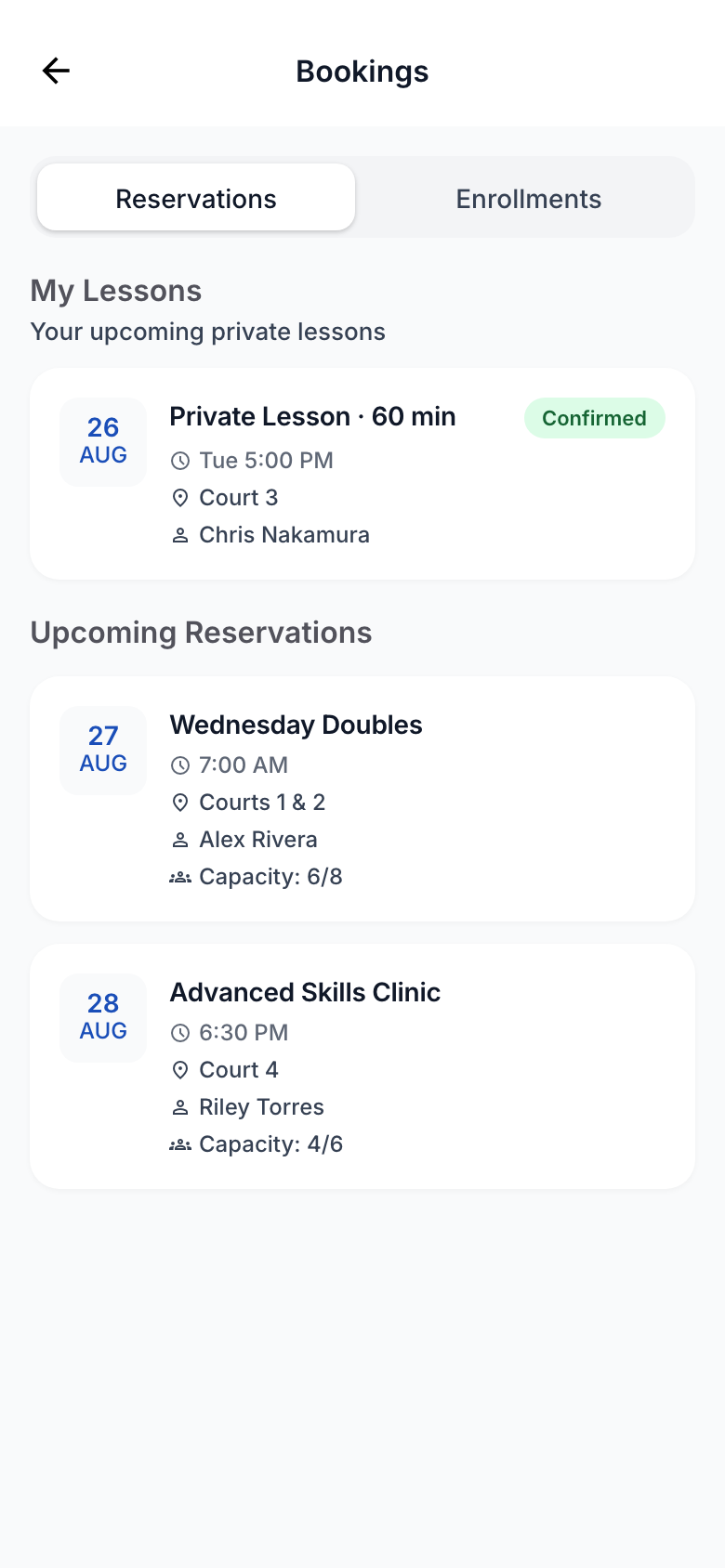
Bookings
Case study Product design
Rebuilding a live productand the system behind it
A responsive member and instructor experience for racquet sports clubs, redesigned alongside the existing live product
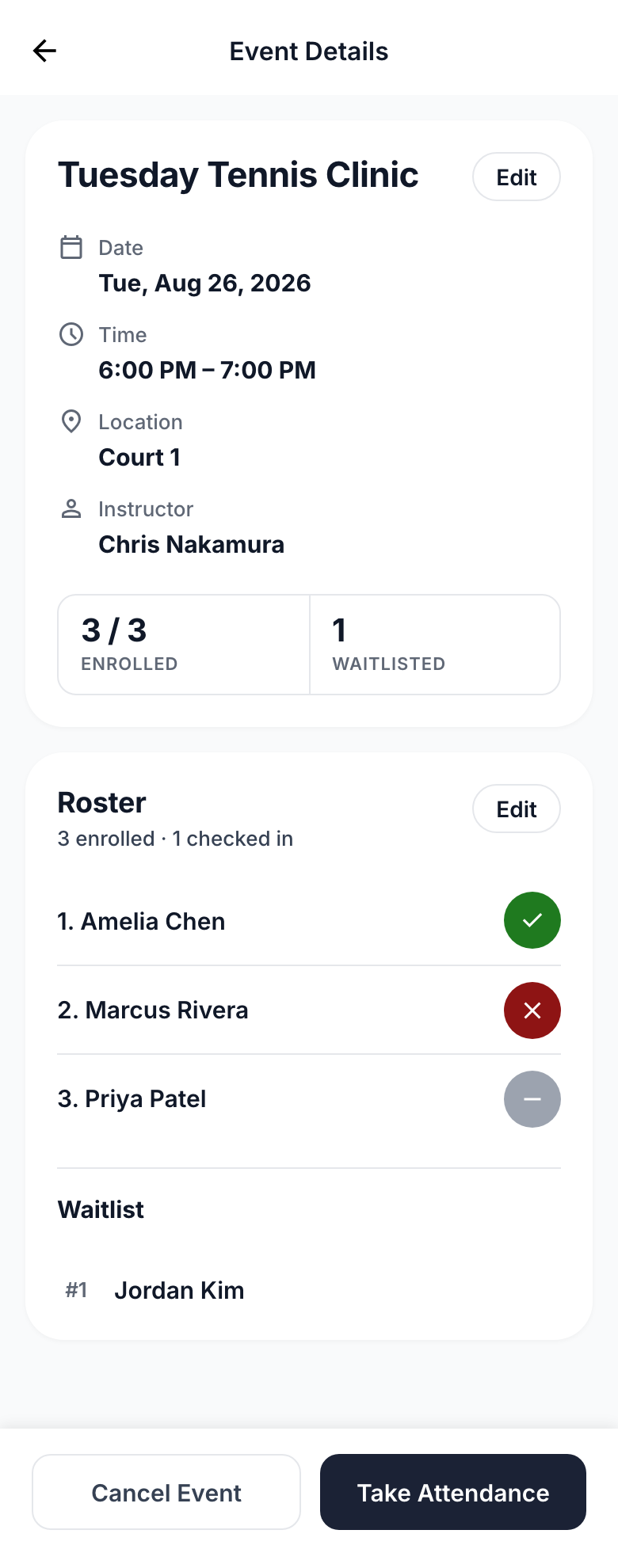
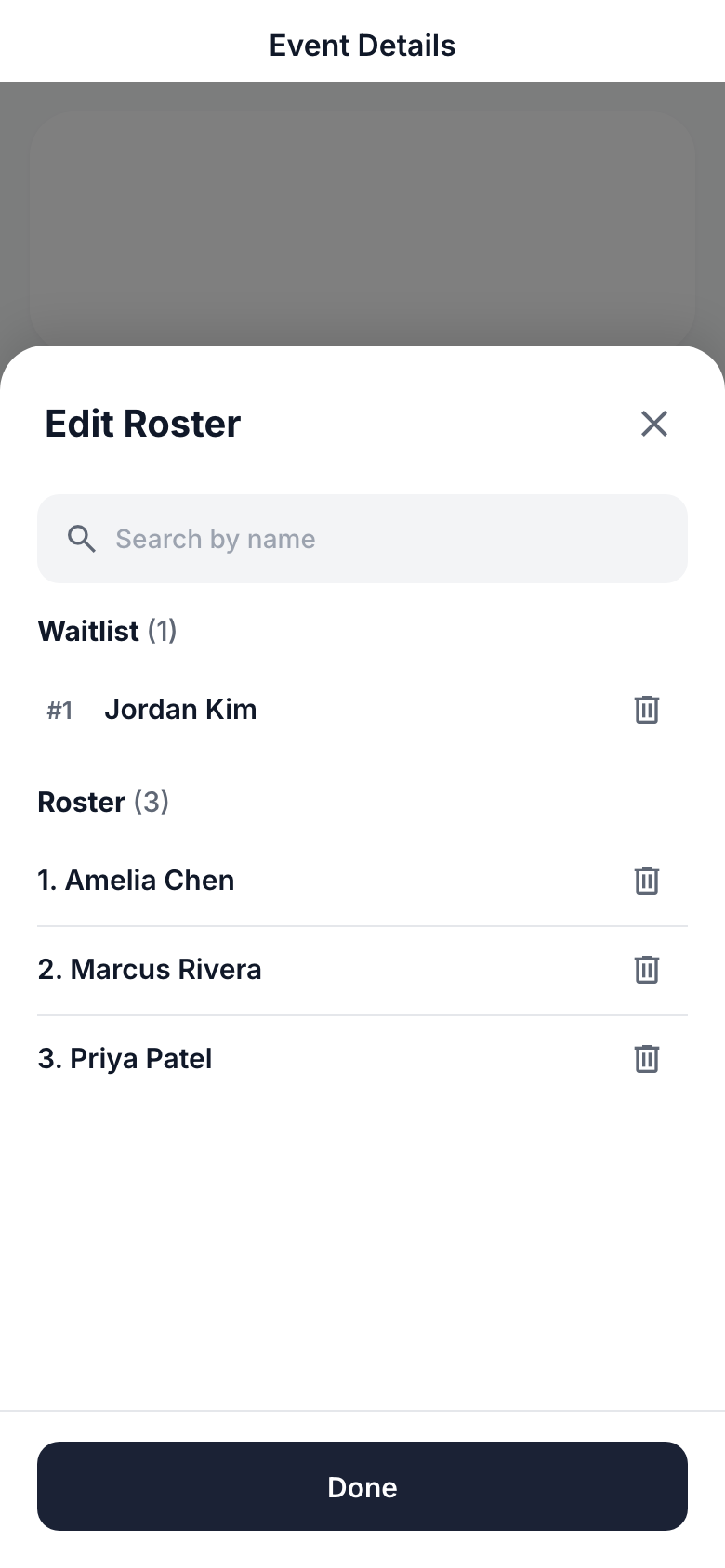
Roster + waitlist, one surface.
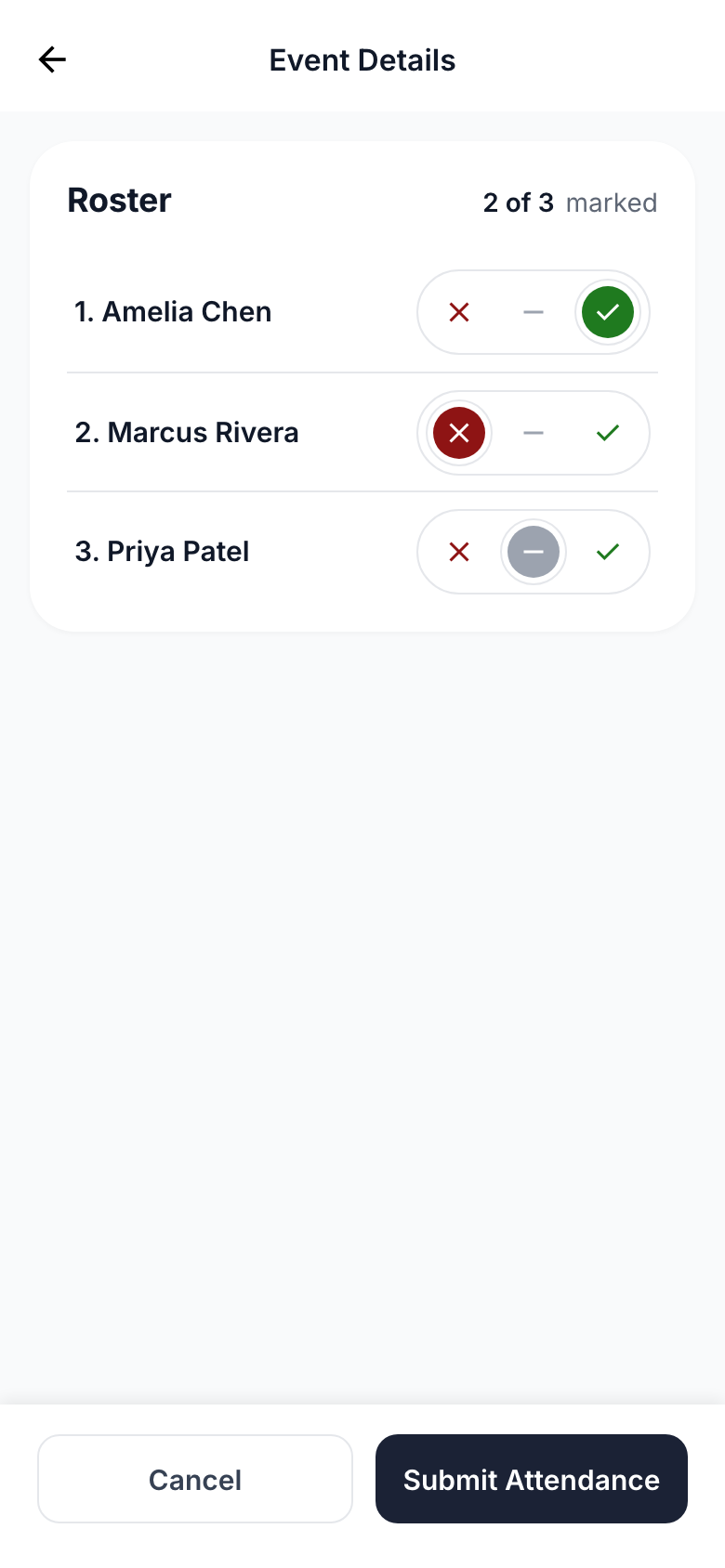
Attendance status at a glance.
Primary + destructive actions stay visible.
Quick tour
A glimpse across a broader redesign spanning member and instructor experiences, from everyday tasks to operational workflows.
The starting point
Clubcloud is a platform for managing racquet sports clubs, with a mobile portal that lets members and instructors handle bookings, activities, memberships, payments, and other everyday interactions. The existing Version 1 portal had grown incrementally as new features and workflows were added over time.
As the product continued to evolve, a Version 2 redesign created an opportunity to modernize the portal's visual language while reconsidering UX across the broader experience. The product-wide scope made it possible to review the portal end to end, refining familiar interactions, rethinking others, and reconsidering patterns that had evolved alongside the product.
01.1
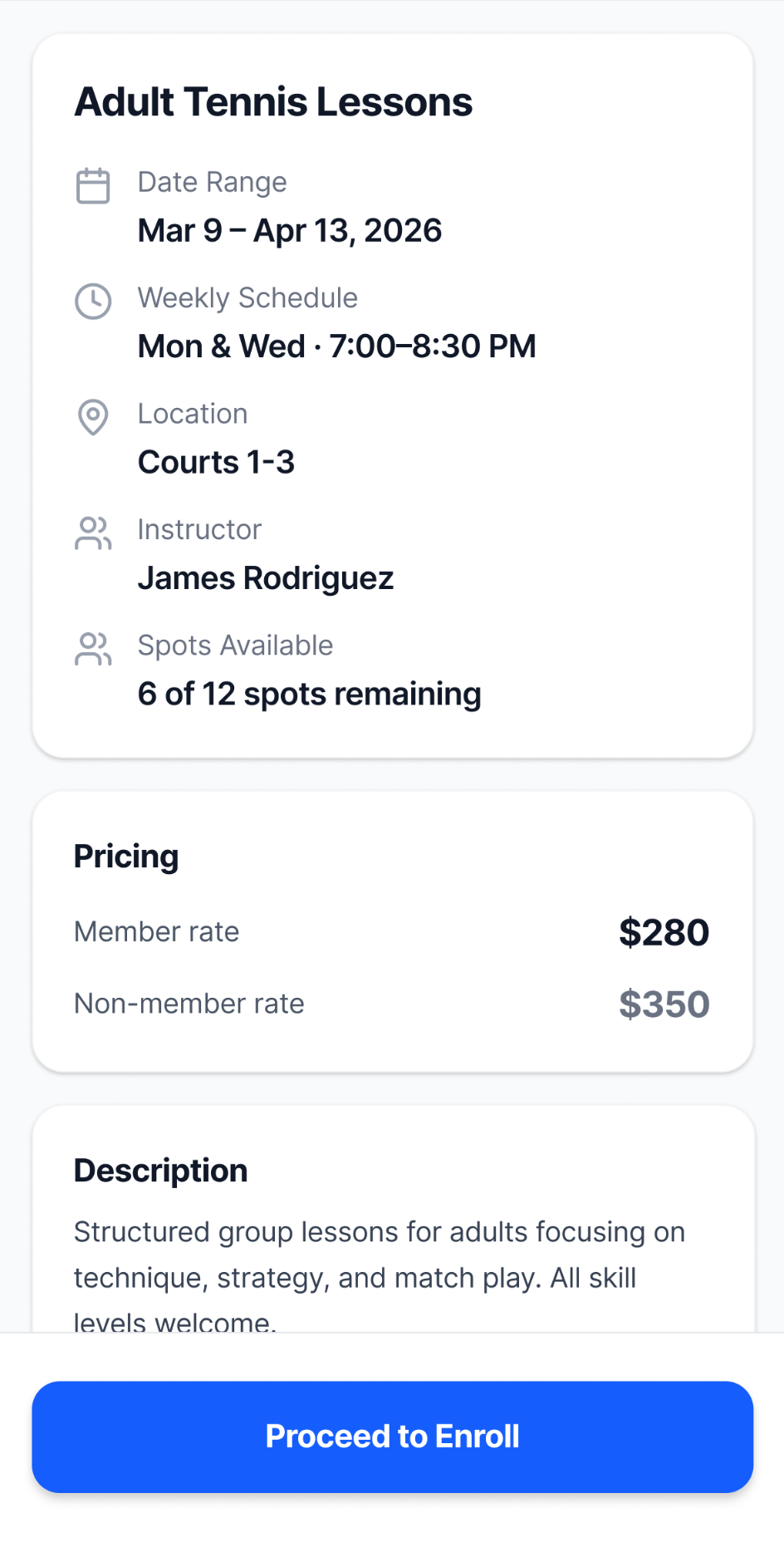
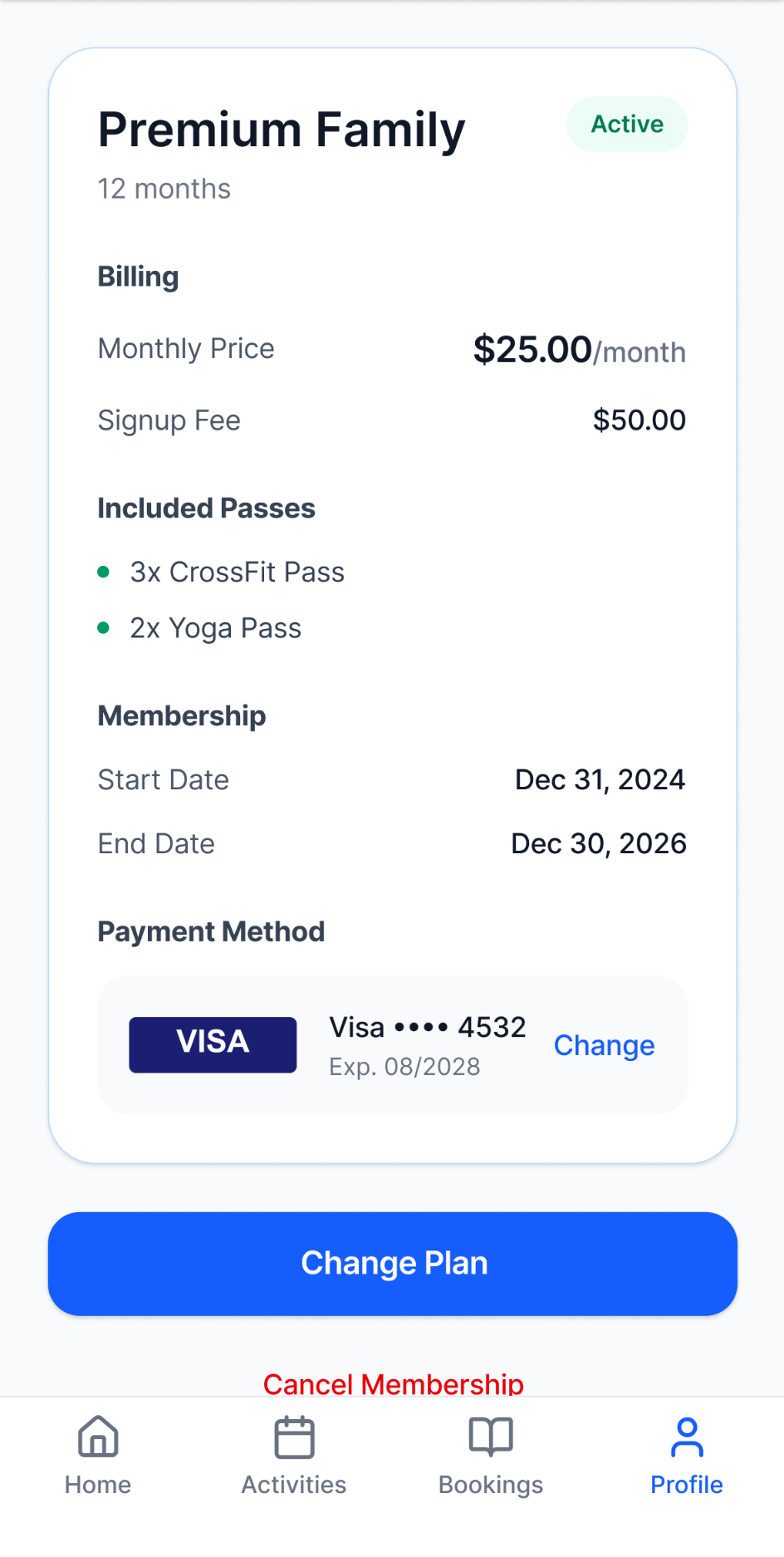
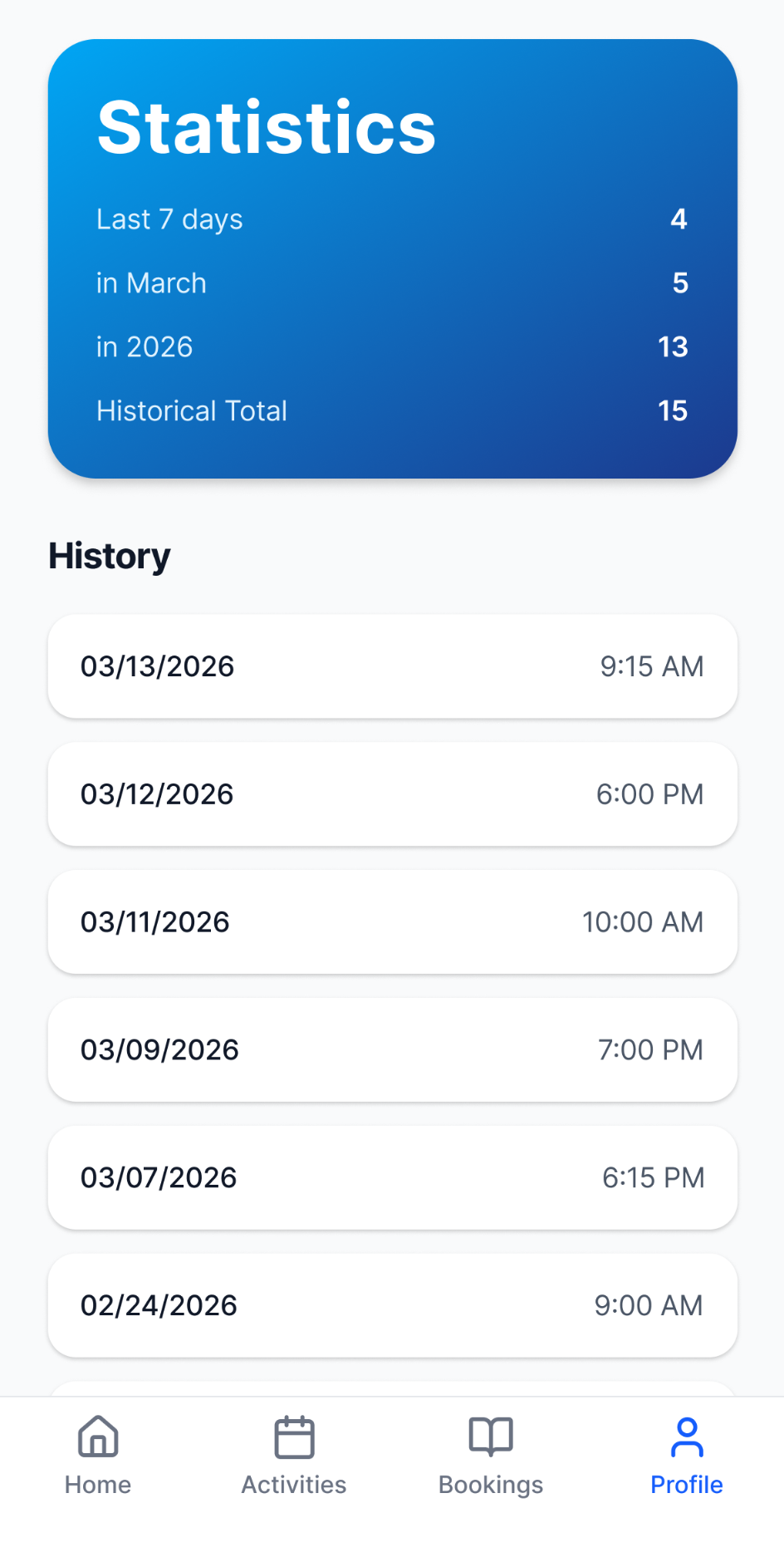
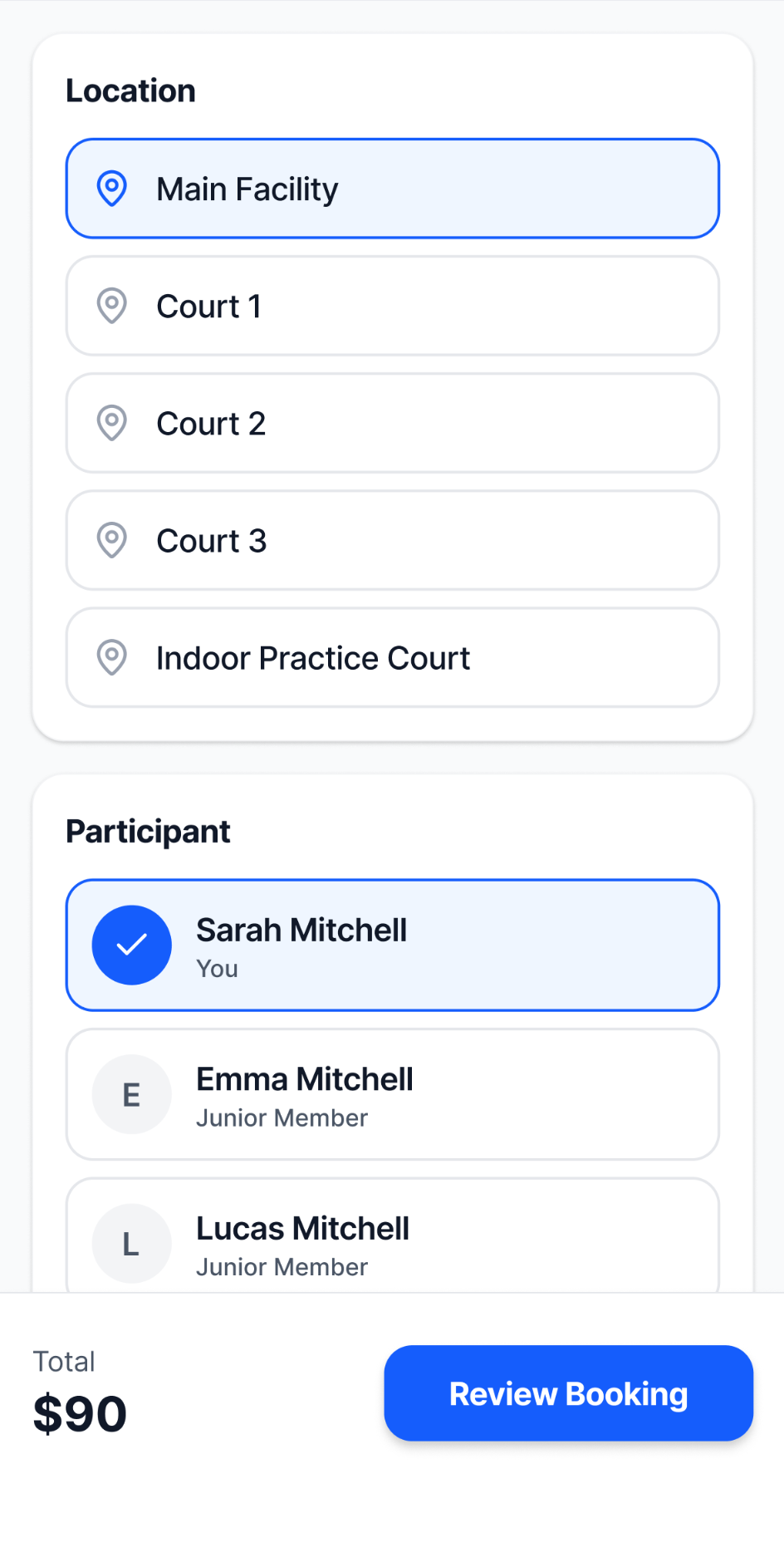
Early exploration looked across different parts of the portal to understand where the existing experience could be refined and where a different approach might work better. Working concepts in Figma Make allowed visual and interaction ideas to be explored together, from information hierarchy and account context to activity summaries and configuration-heavy flows.
This also created room to reconsider existing interactions against familiar mobile and web conventions, without assuming that every established pattern needed to change.
01.2
As exploration expanded across the portal, decisions that initially belonged to individual screens began resurfacing in different workflows.
Recurring questions
The same decisions were beginning to matter beyond the individual screens where they first appeared.
01.3
Decisions made within individual workflows were beginning to have implications elsewhere. Shared foundations and reusable patterns created a starting point for carrying those decisions into new contexts while the redesign continued to evolve.
The system became useful before it was complete. Product needs continued shaping the shared foundation as that foundation began shaping the product in return.
Building the foundation
As the redesign expanded, recurring decisions around hierarchy, interaction, states, and visual treatment became opportunities for reuse. Those decisions gradually developed into a shared set of foundations, components, and patterns that could support new and existing experiences more consistently.
02.1
V2 created an opportunity to reconsider visual conventions that had accumulated as the product grew. Color, typography, and shape became more deliberate as the redesign moved across new pages and contexts, with emerging decisions documented and refined as the system evolved.
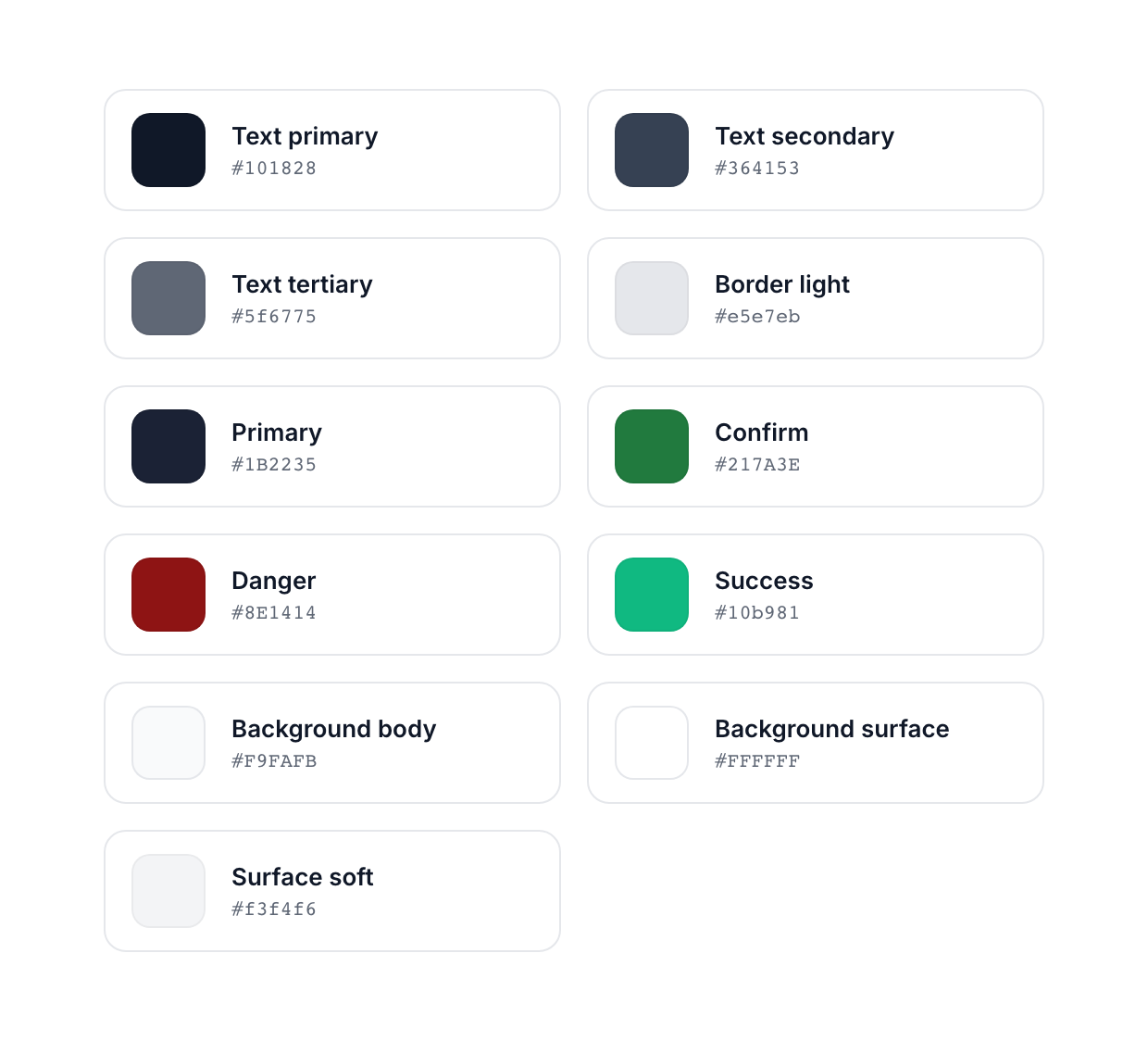
Brand navy became the default treatment for primary actions, allowing green, amber, and red to carry more specific semantic meaning.


Inter replaced Montserrat as type roles became more differentiated across page, section, content, and supporting information.

Pill-shaped compact controls, rounded-rectangle buttons, larger surfaces, and circular status elements use differentiated but related shapes based on role and scale.
Foundation values and pattern guidance were progressively documented as the redesign expanded, giving subsequent implementation an evolving set of decisions to reference. Contrast, WCAG, ARIA, and interaction considerations helped evaluate those decisions as patterns evolved.


02.2
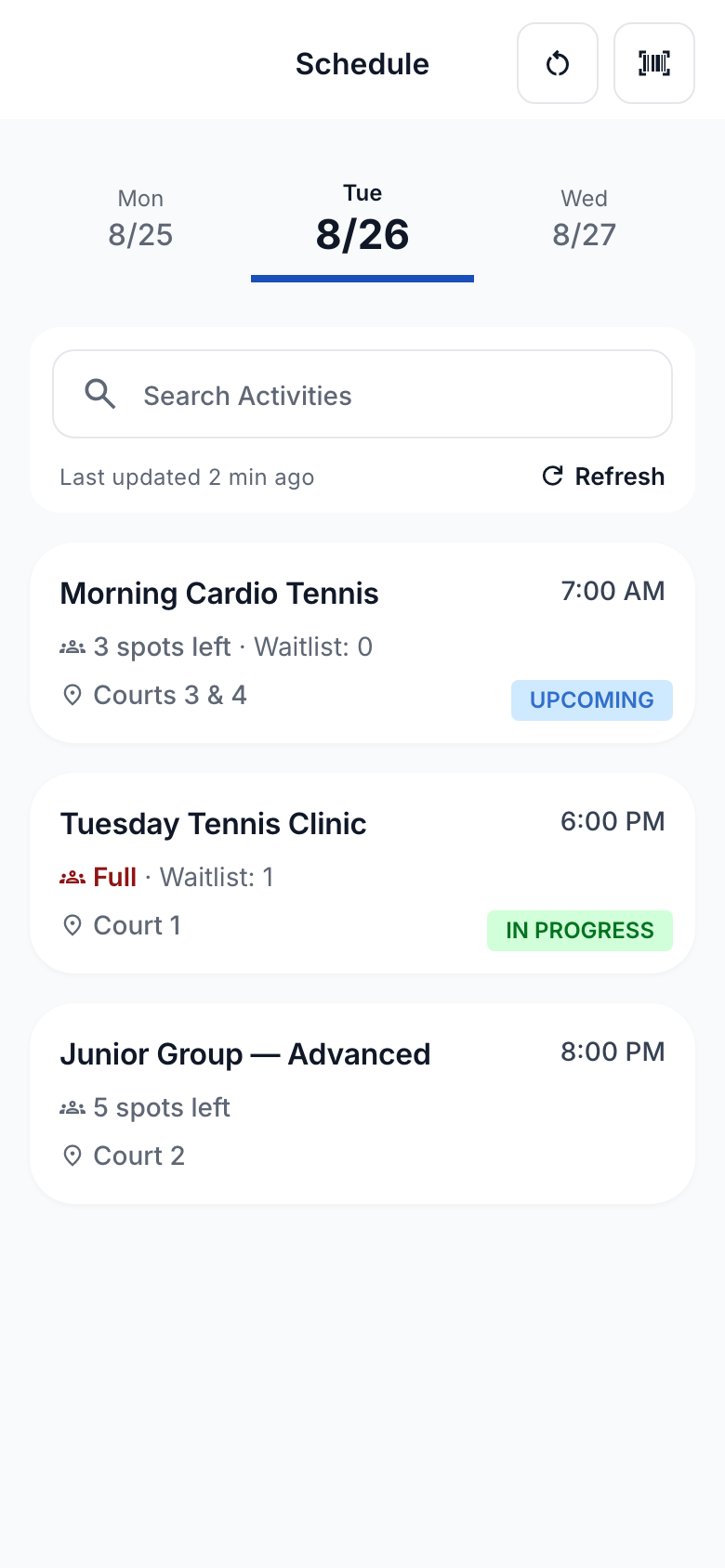
Useful conventions could evolve instead of being replaced
Not every shared pattern began with V2. Existing conventions that still worked could be refined and carried forward, while the redesign also created opportunities to extend those patterns into new contexts.
02.3
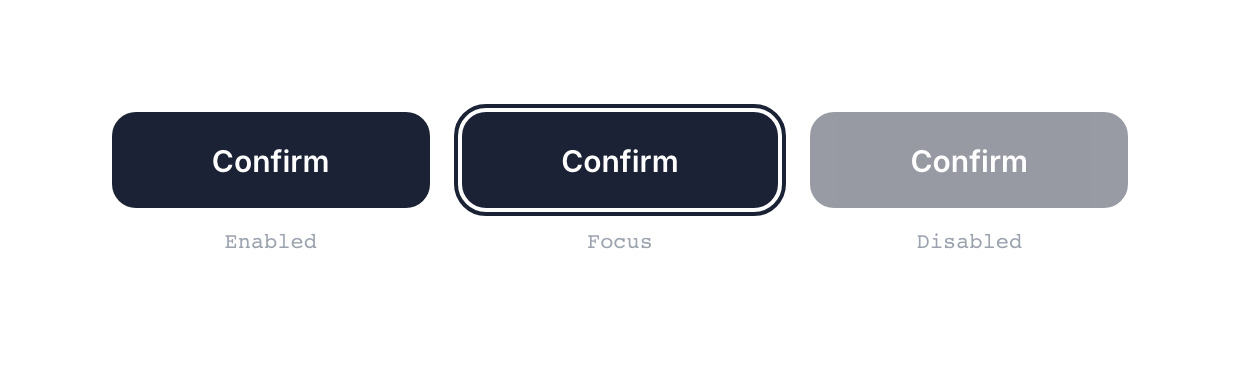
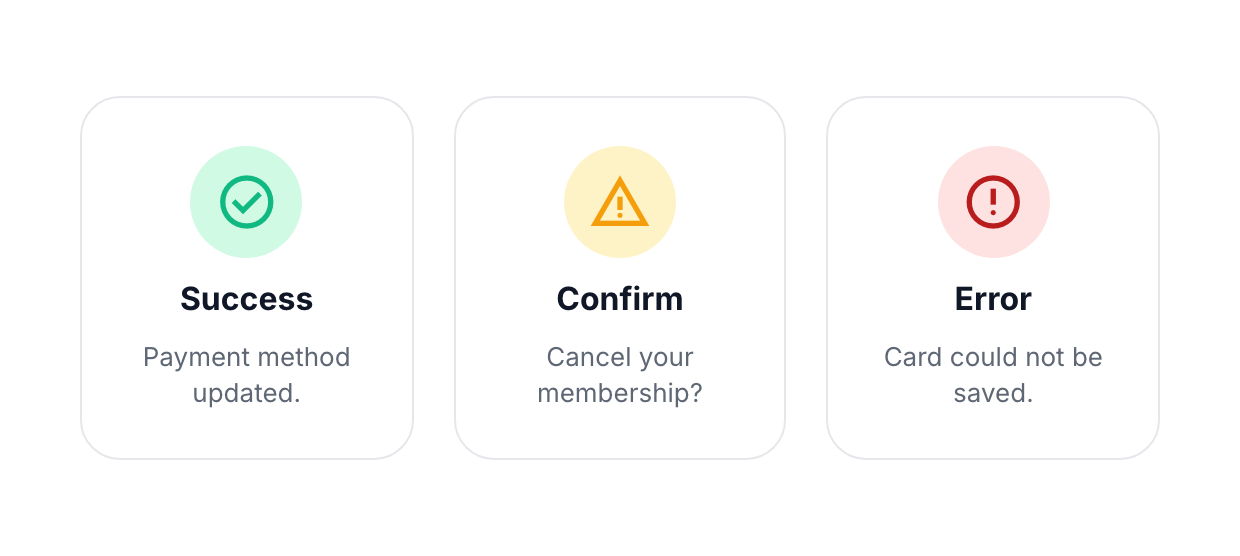
The system had to account for more than the default state
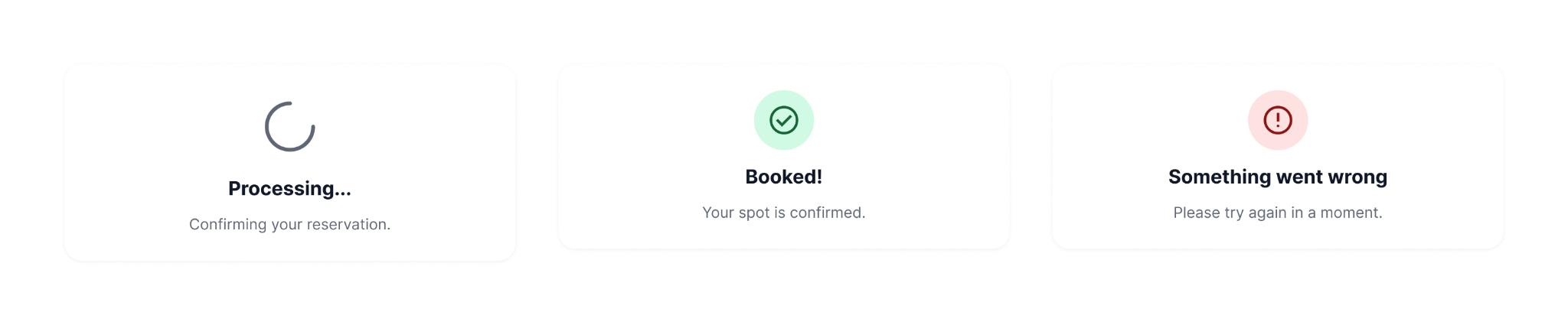
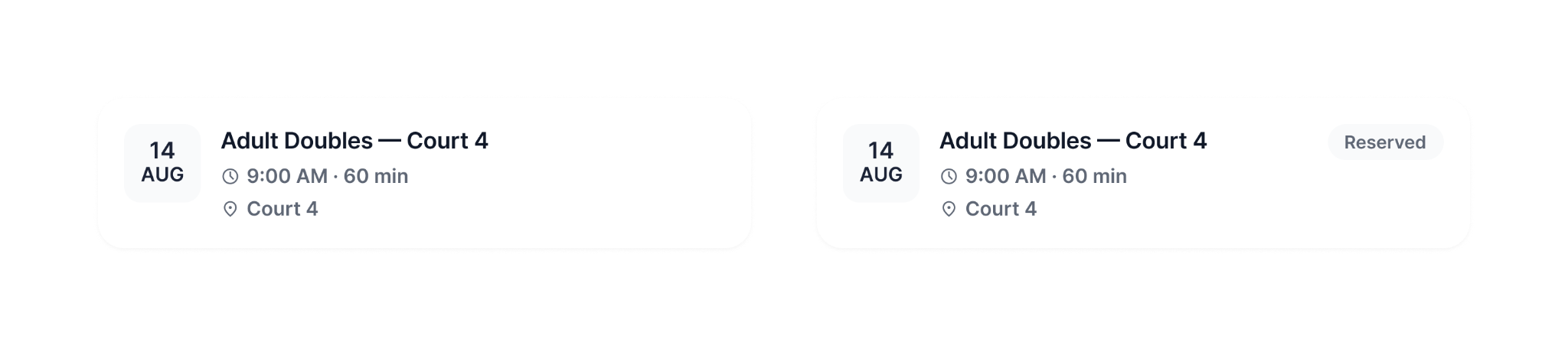
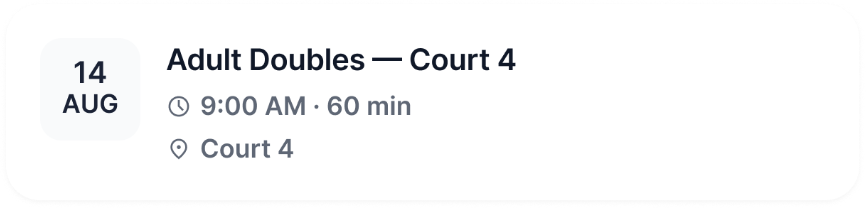
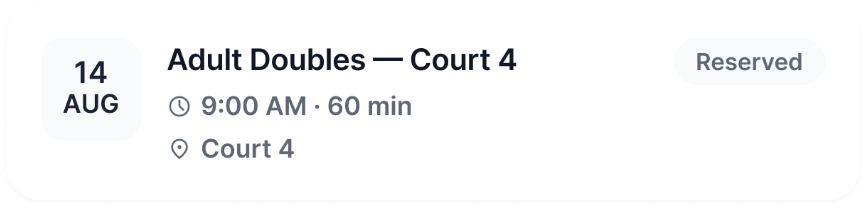
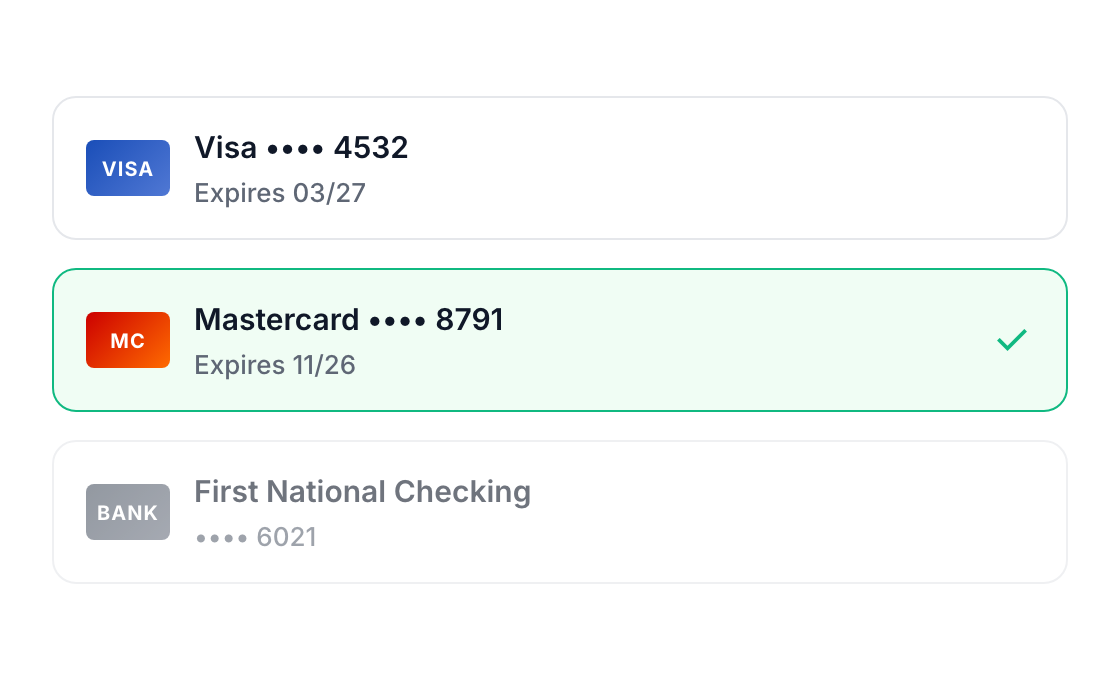
Reusable patterns also had to communicate what happened as users interacted with them. Selection, availability, focus, and feedback introduced states that static screens alone could not define.

Designing the experience
As the redesign expanded, the work moved across increasingly varied member and instructor needs, from discovering activities and managing bookings to account decisions, payments, rosters, and attendance. The challenge was carrying a coherent experience across those contexts without forcing different tasks into the same interaction model.
03.1
Improving the flow without redesigning every interaction.
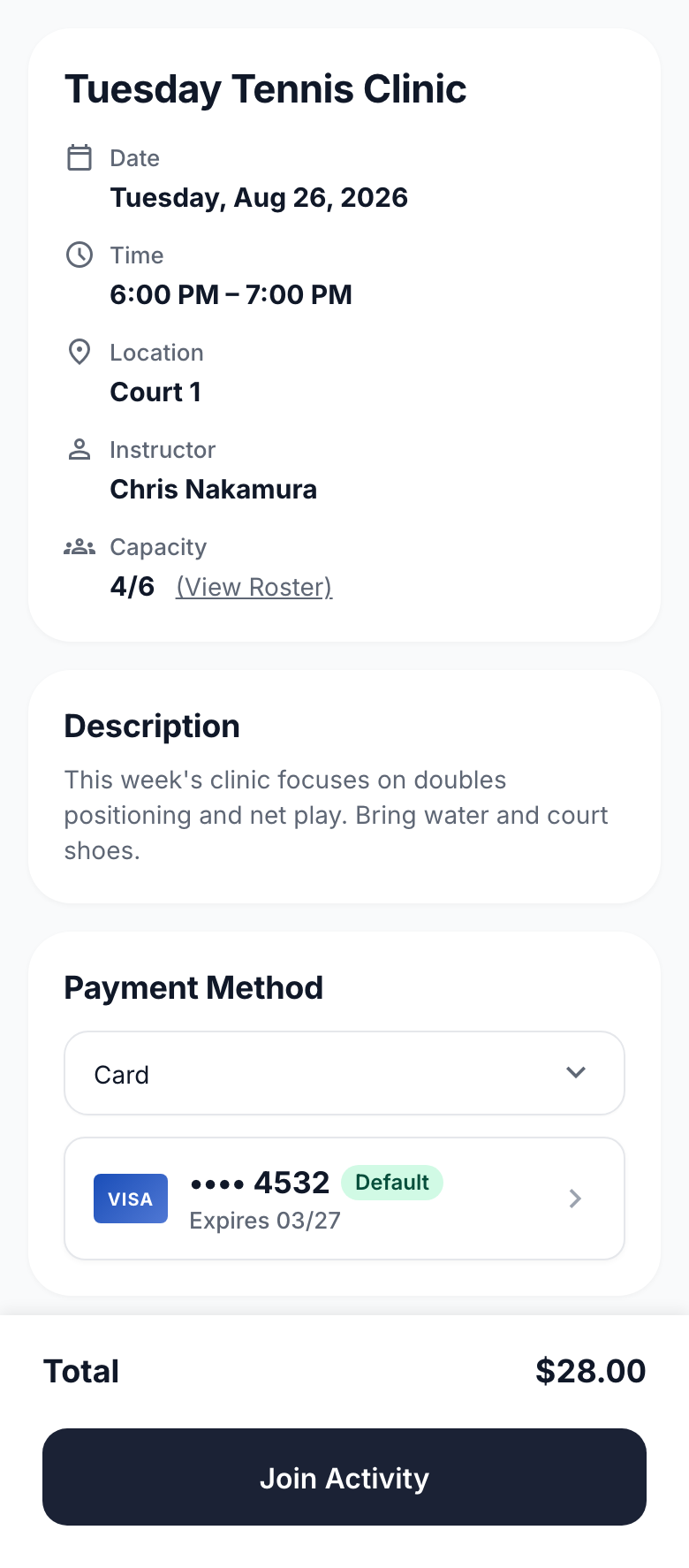
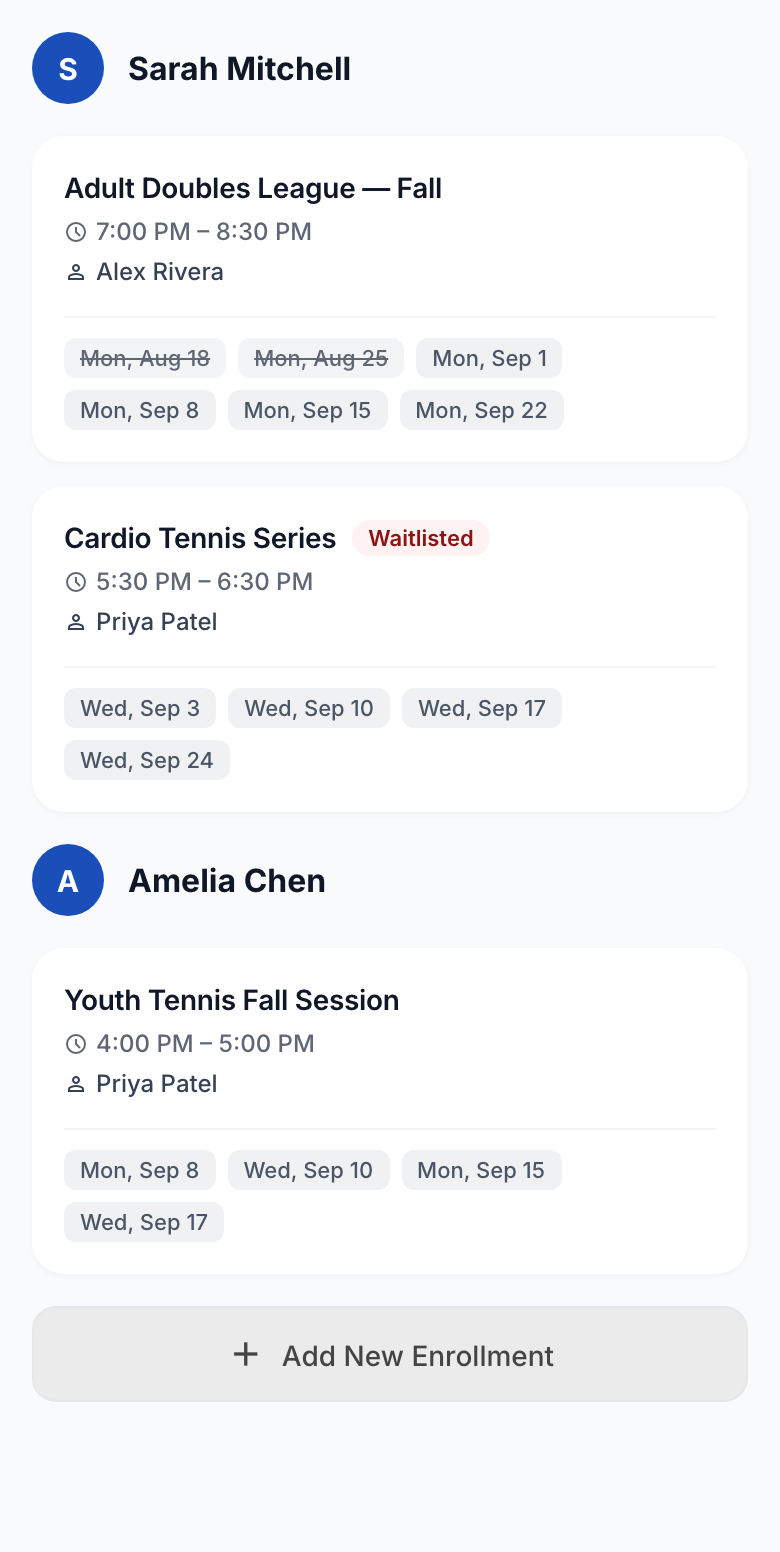
Activities connected discovery, event information, enrollment decisions, and ongoing management. V2 introduced new ways to filter activities and reorganized information across these views, while established interactions were reconsidered rather than automatically replaced.
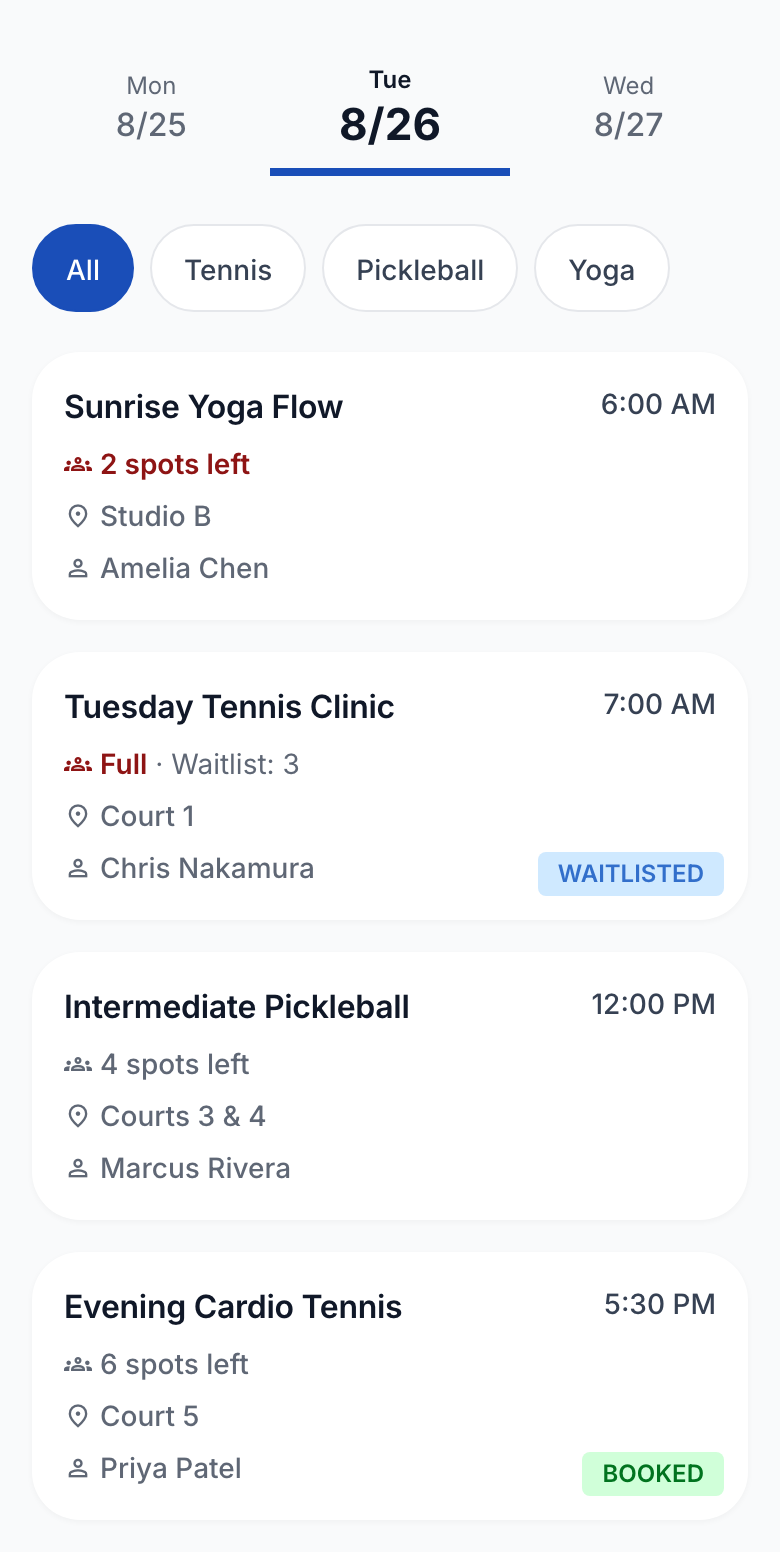
03.2
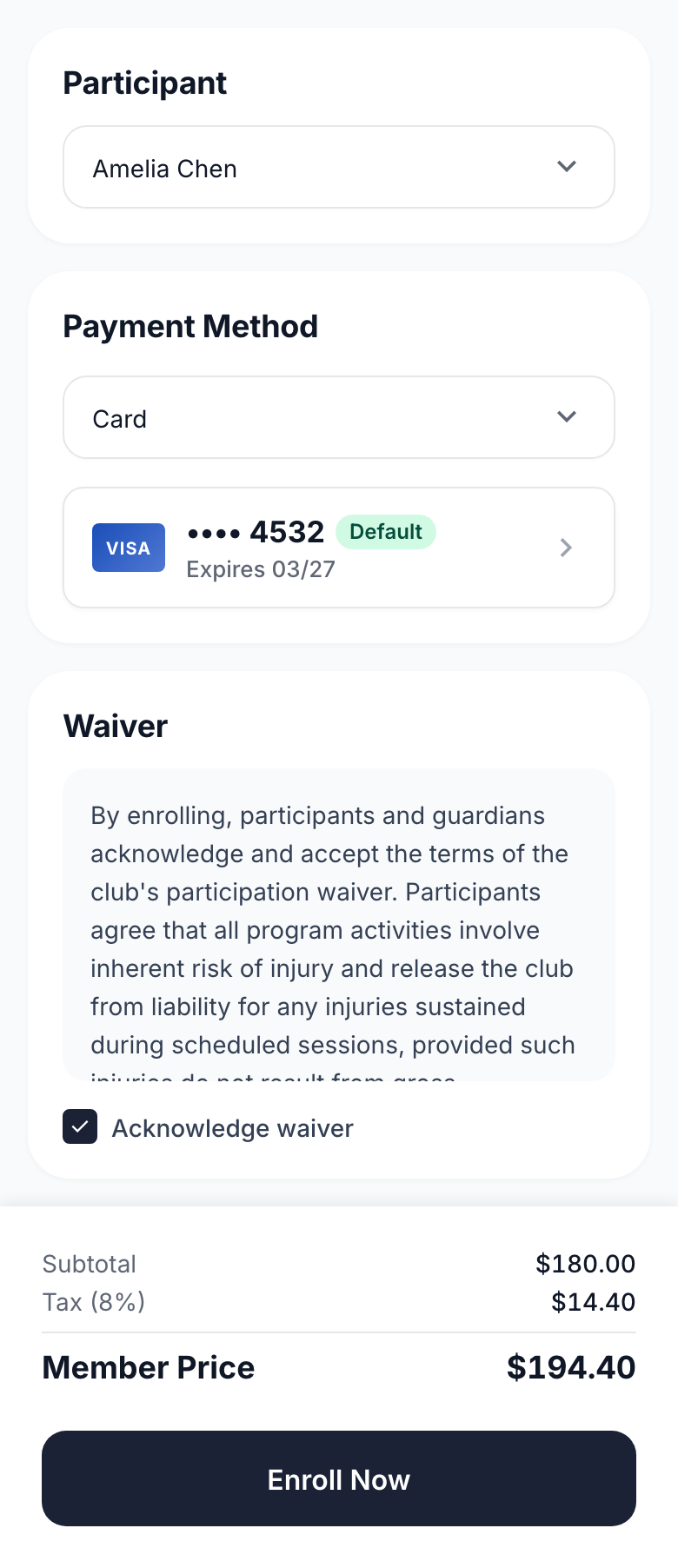
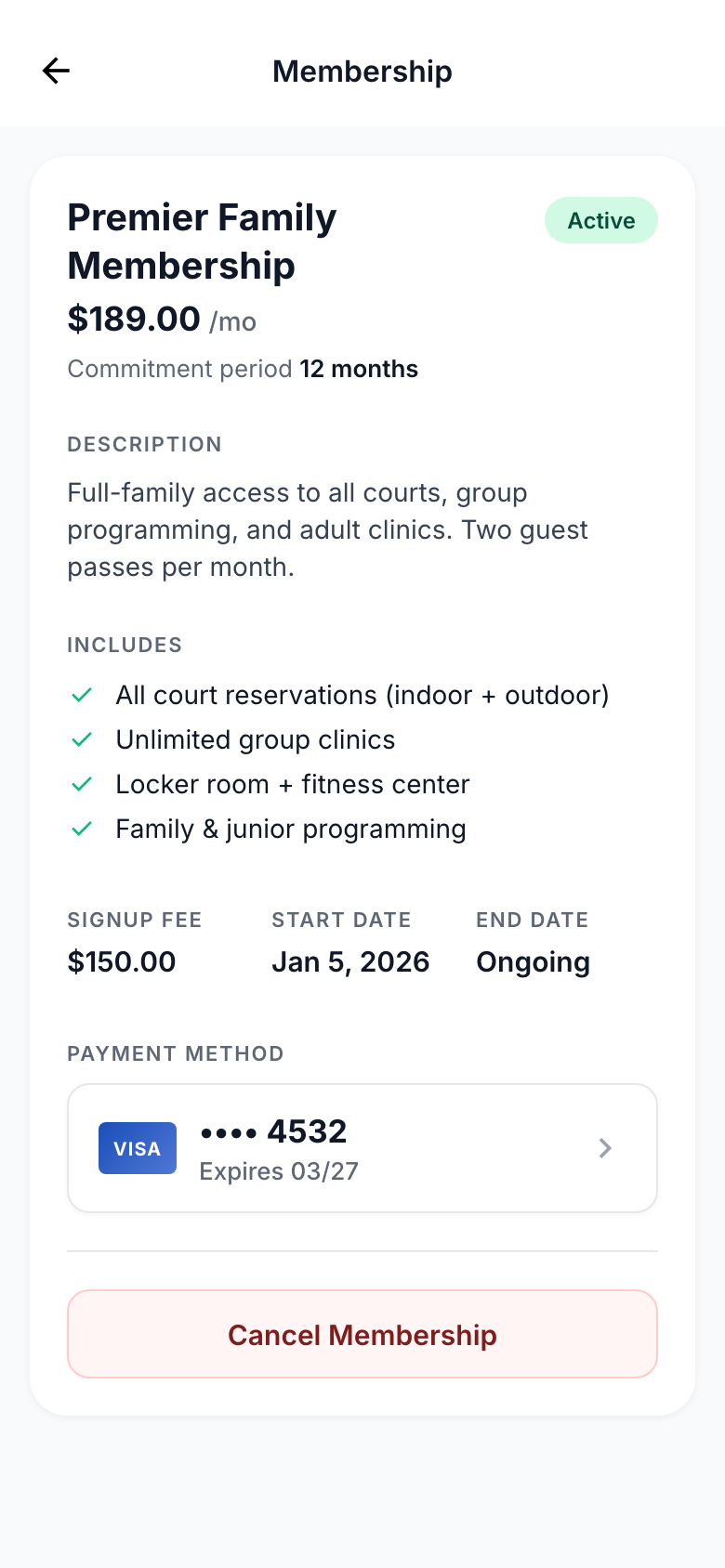
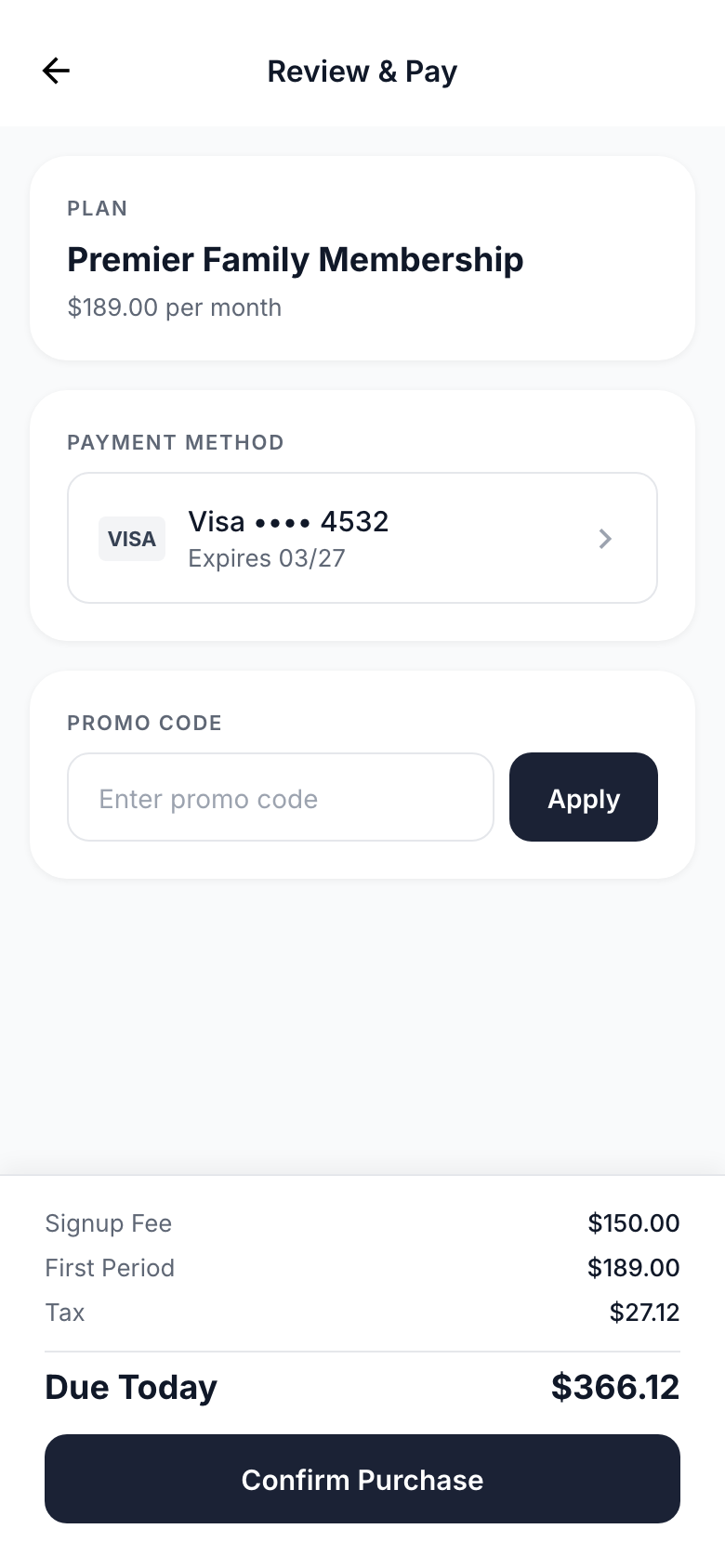
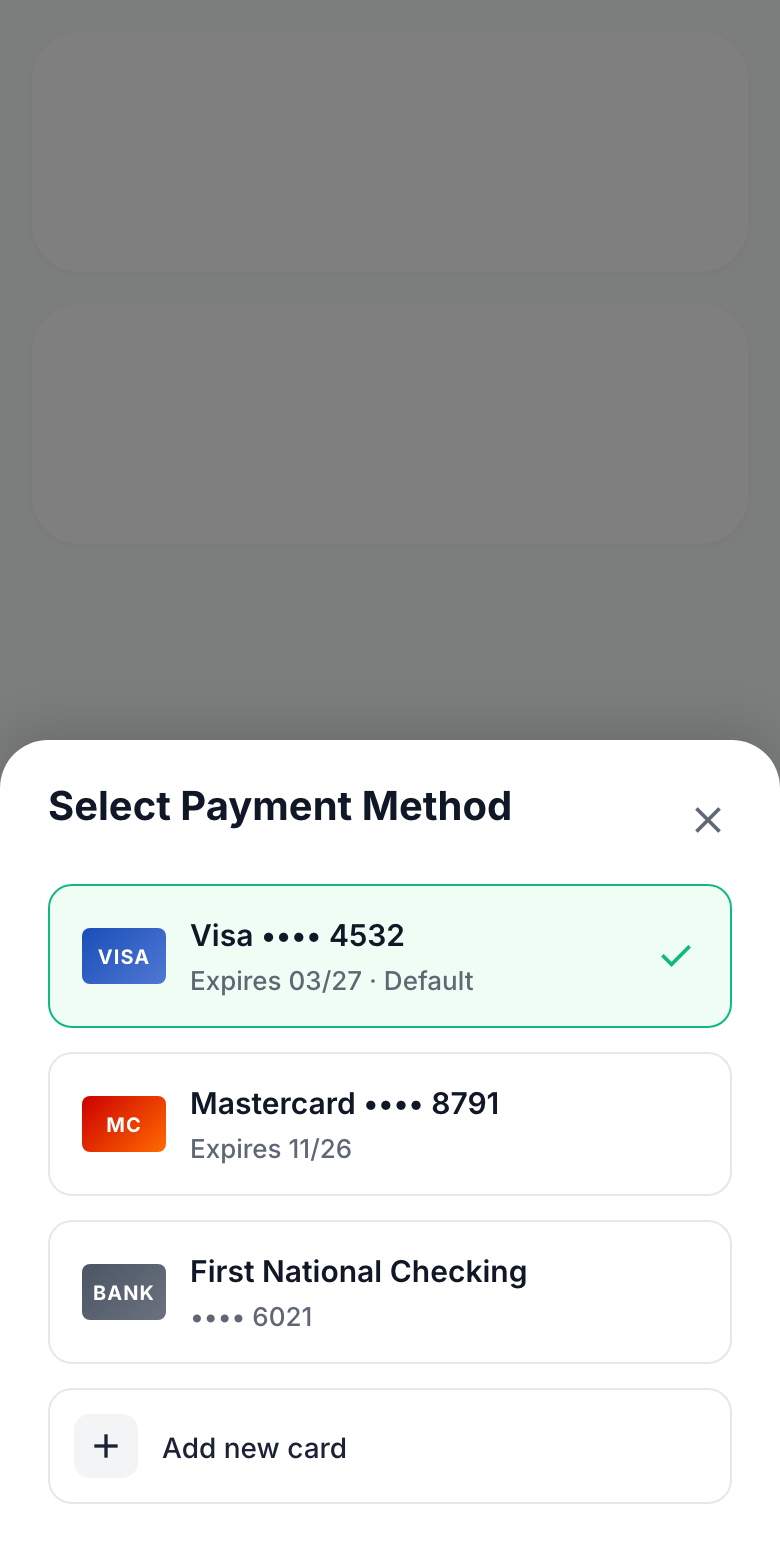
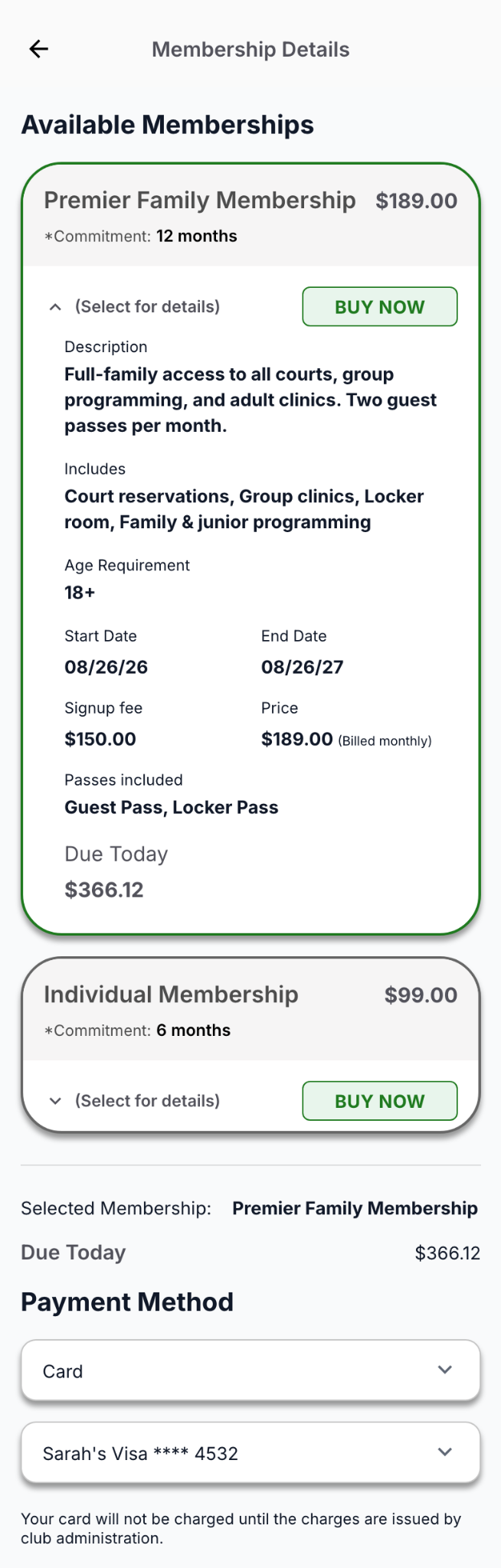
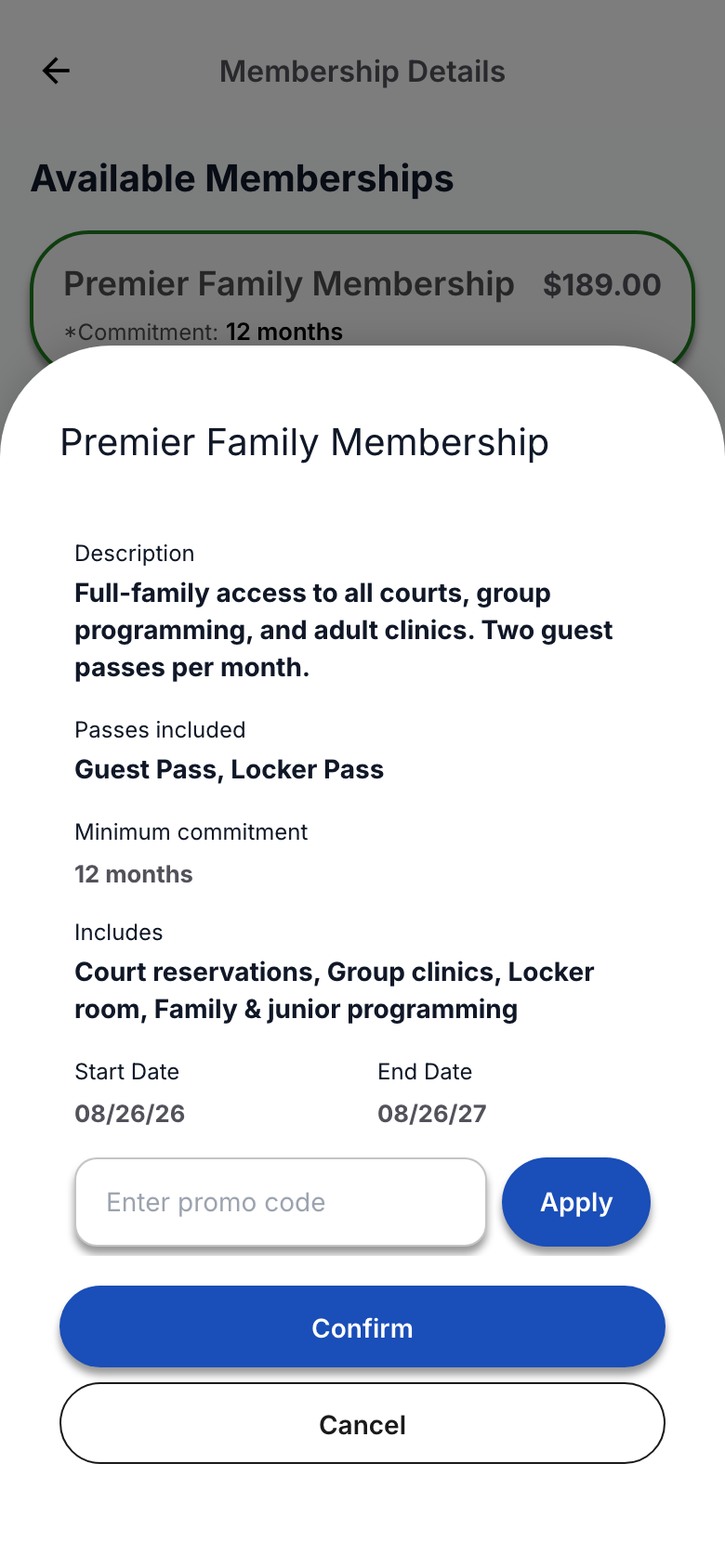
Not every account or payment decision needed the same amount of context. V2 reorganized membership information, created a dedicated step for reviewing a transaction, and used focused surfaces for choices that did not require leaving the broader flow.
03.3
Instructor workflows introduced denser, more stateful interactions. V2 connected event context, participant management, and attendance while keeping the information and actions needed for each task close at hand.
From redesign to product evolution
V2 built on what the existing product already supported rather than redefining it from scratch. It reconsidered how those experiences were structured, what information they prioritized, and how users moved between related decisions and account states.
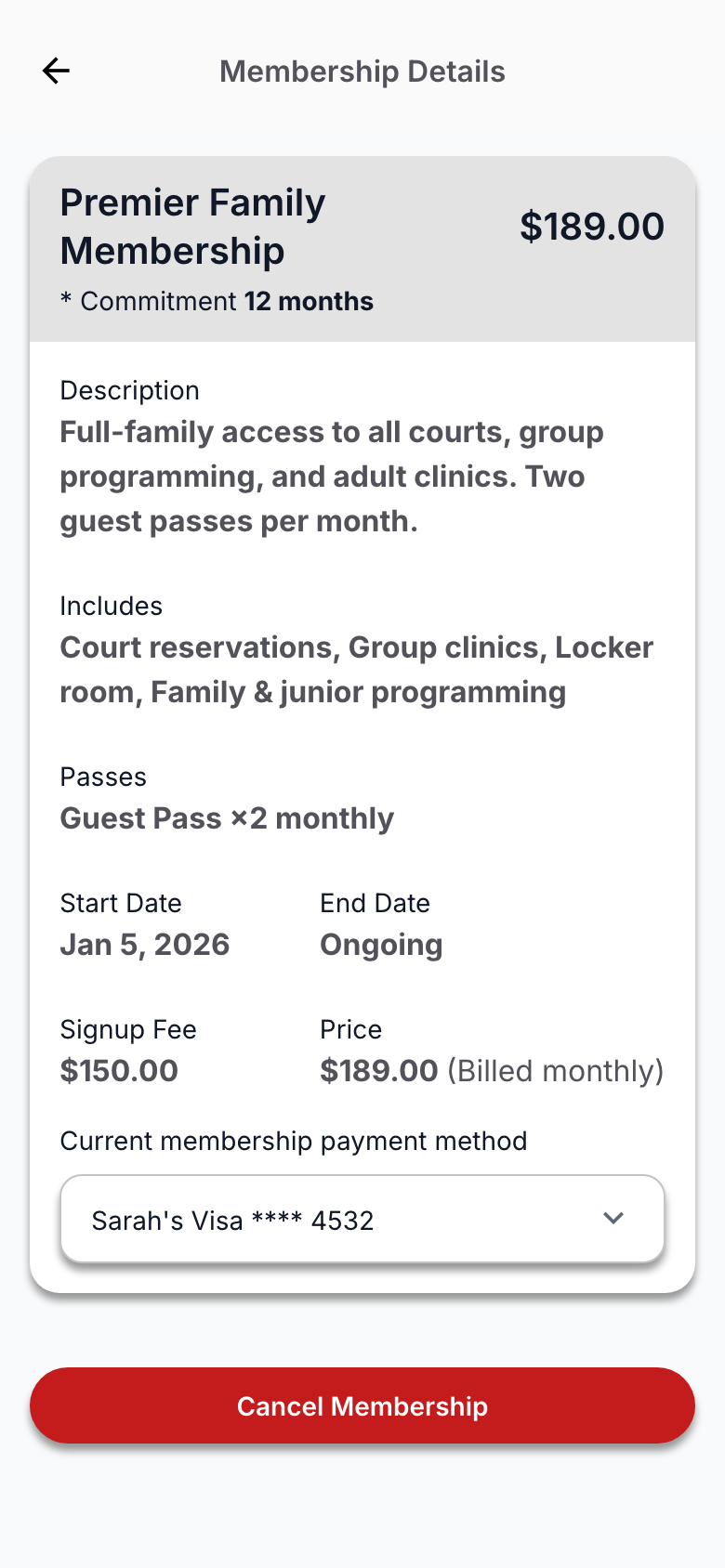
04.1
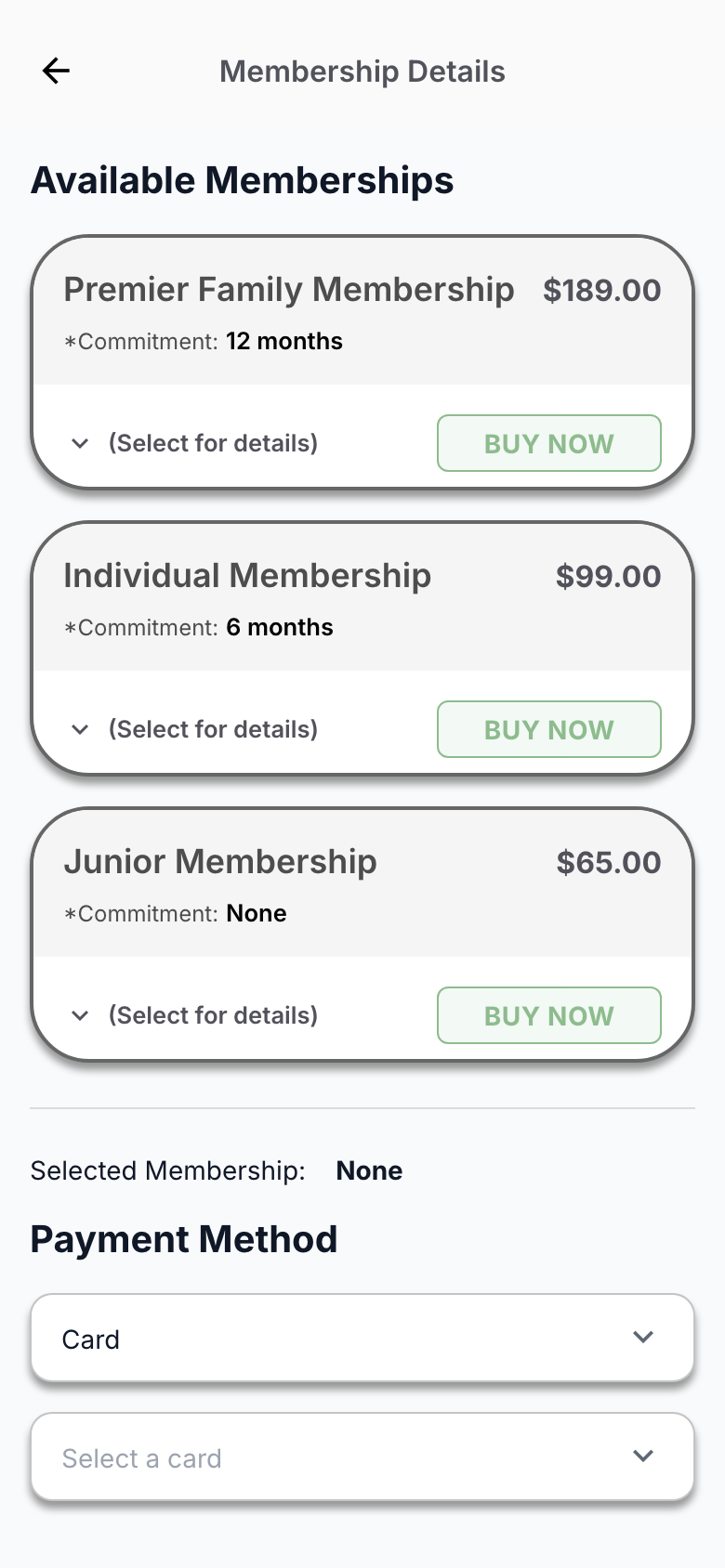
The membership journey provides a focused view into how V2 evolved an established experience rather than replacing it. Already spanning plan discovery, purchase, and ongoing management in V1, the journey was reconsidered around how information was structured, how users reviewed and committed to a purchase, and how the resulting membership state was communicated.
From redesign to shipped product
V1 remained the live experience while V2 was developed alongside it. As the redesign progressed toward release, the existing product continued serving clubs and members while V2 continued taking shape through design and implementation.
In parallel
05.1
As more of V2 became a working product, implementation provided another environment for evaluating decisions made during the redesign. New requirements and product behavior sometimes reinforced an established approach and sometimes prompted earlier work to be reconsidered.
As those choices proved useful across the product, they were documented for subsequent implementation while remaining open to revision when another context required it.
Refinement in the working product
Back navigation was refined to return users from the payment form to the payment-type choice that led them there, rather than returning them to the broader payment-methods view.

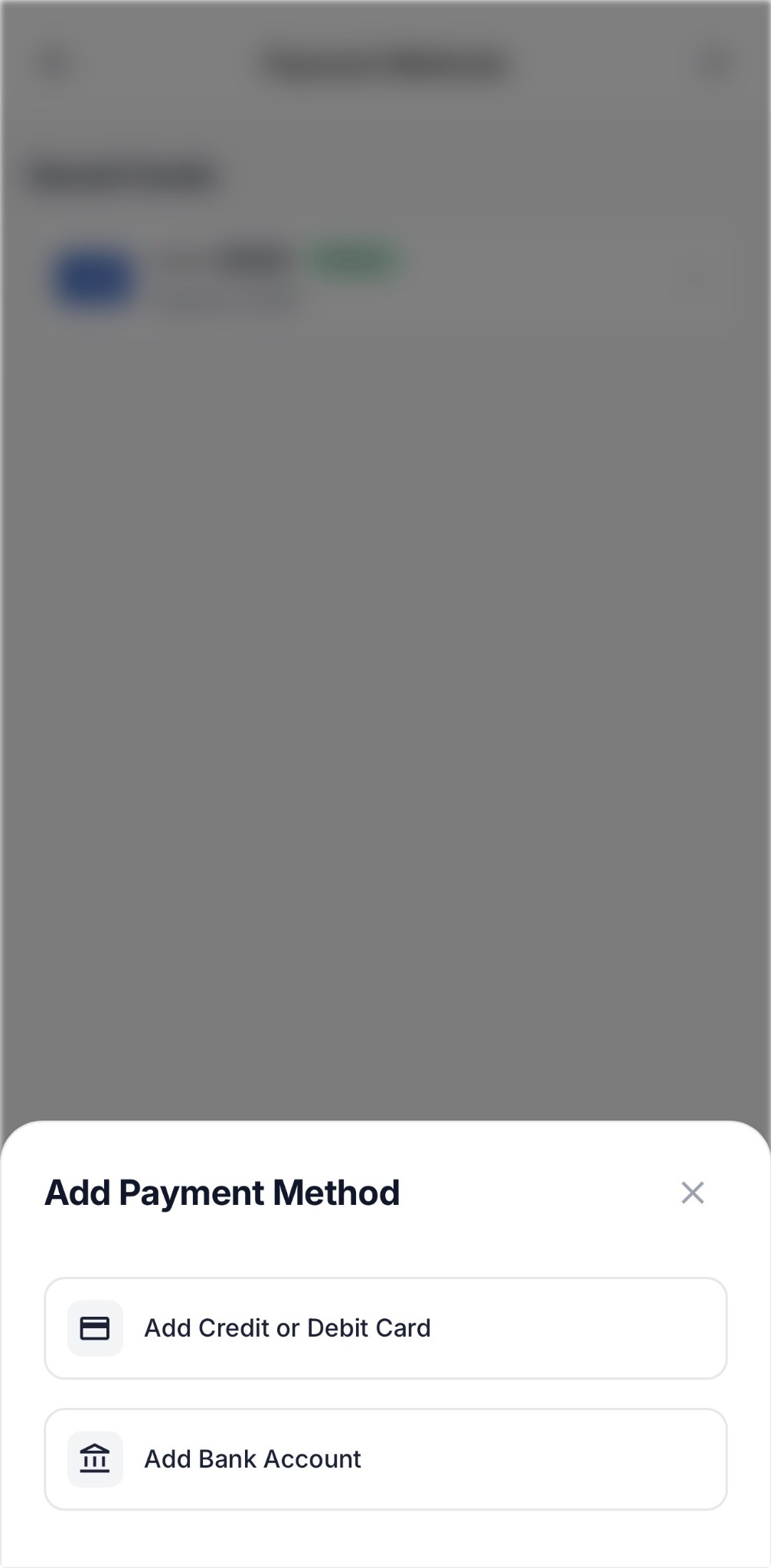
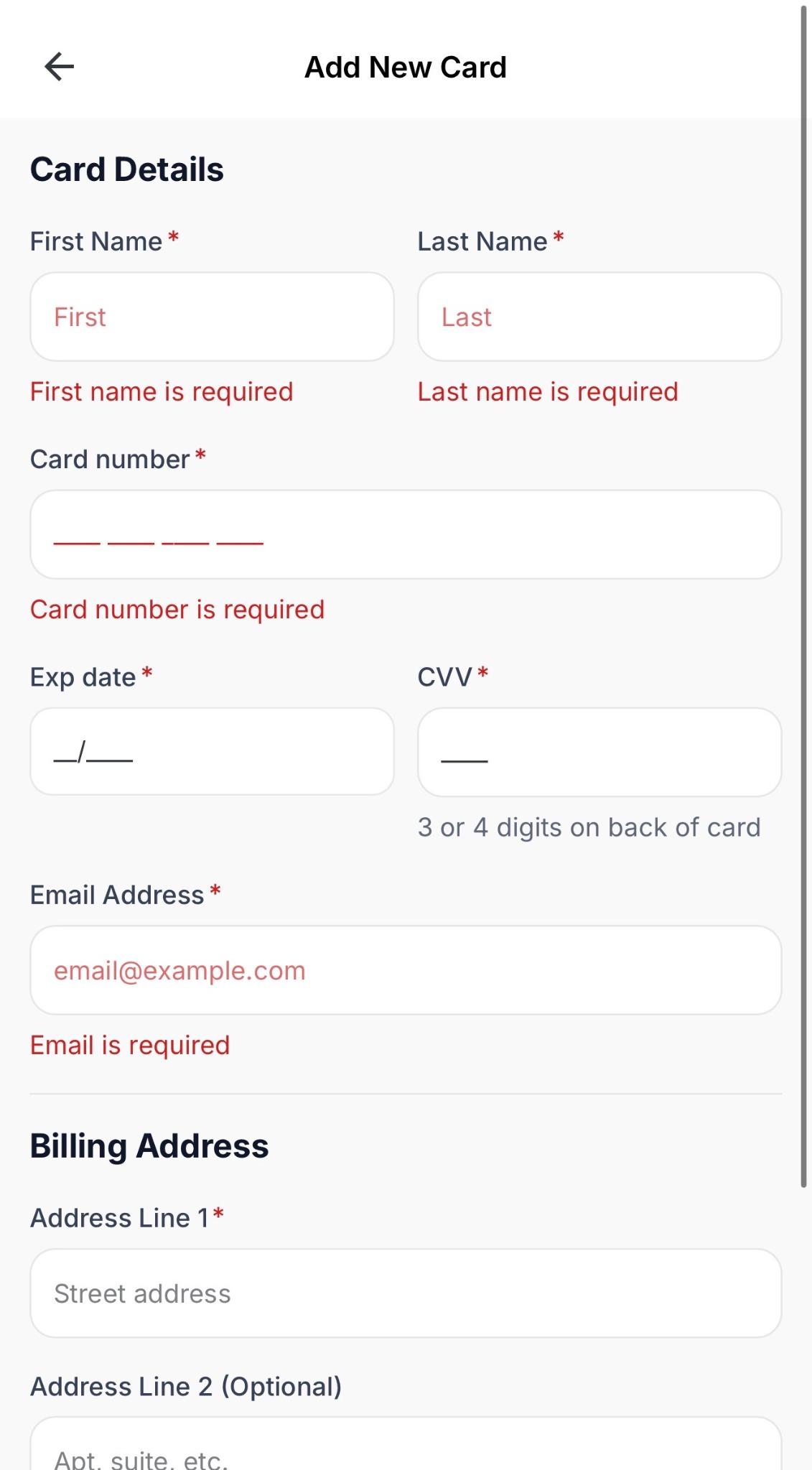
03 · Add New CardBack →01 · Payment Methods
Back returned the user to the broader payment-methods view.03 · Add New CardBack →02 · Payment-Type Choice
Back returns the user to the payment-type choice that led to the form.05.2
As the planned first-club release approached, the priority shifted from continued iteration toward stability and release readiness. Product-team testing increasingly focused on what needed to be addressed before launch, while opportunities for further refinement remained.
The release boundary required distinguishing issues that needed to be resolved before launch from smaller improvements that could continue once V2 was in use.
Product-team testing
One club
Remaining clubs
Minor UI refinements
05.3
By the time V2 shipped, its foundations and interface patterns were already represented across the implemented product, tokens, and documentation accumulated throughout the redesign. After rollout, those sources became the basis for formalizing the system in Figma.
Existing implementation and documentation provided the source material for defining the library's goals and requirements. Claude Code and the Figma MCP helped accelerate its creation, while review and refinement shaped the resulting structure into a design-side reference for decisions already established through V2.
From working system to design system
From product patterns to reusable components